SEO tools compared: 8 tools to help you make better decisions

Before adding another SEO tool, ask what you need to find out. Which searches bring the right visitors to your website? Where are you missing opportunities? Which changes lead to enquiries or sales?
Google Search Console, a reliable analytics setup and a technical site check are enough to get started. A paid SEO suite adds keyword research and competitor data. Bring in specialist tools when they help your team complete a specific task faster or with greater precision.
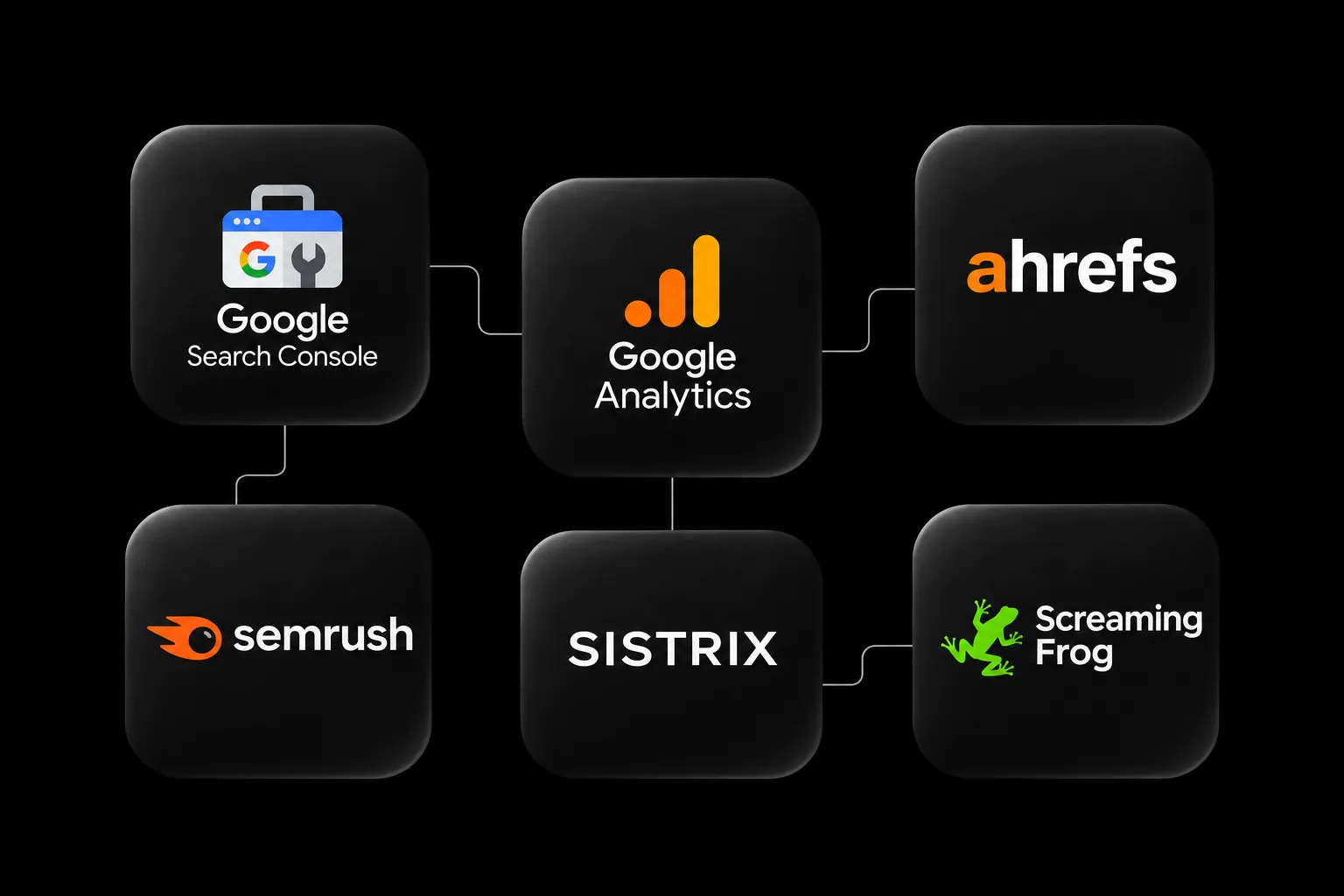
This guide compares eight SEO tools, from free Google products to Ahrefs, SISTRIX, Semrush, Screaming Frog and Surfer. It covers what each tool does, where its data has limits and how to turn your findings into a plan. The comparison draws on linked provider documentation and our editorial assessment. Reviewed in November 2026.
Which SEO tool do you need for each job?
Google Search Console – Check your performance in Google Search (free).
Google Analytics 4 – Measure visitor behaviour and key actions (free standard version).
Screaming Frog – Find technical SEO issues (free for up to 500 URLs per crawl).
PageSpeed Insights – Check page performance and Core Web Vitals (free).
Ahrefs – Research keywords, competitors and backlinks (paid platform with some free tools).
SISTRIX – Compare search visibility over time (paid plans).
Semrush – Combine research, audits and monitoring (paid plans with limited free options).
Surfer – Plan and review search content (paid plans).
A crawler and a content editor serve different purposes. Before subscribing, check the limits on projects, users, markets, historical data, exports, API access and AI usage for the plan you need.
1. Google Search Console: start with your own search data
Google Search Console shows clicks, impressions, click-through rate and average position for your site in Google Search. You can filter by query, page, country and device to see which existing pages have room to improve. Google’s guide to the Performance report.
Compare the latest complete weeks with the previous period. For seasonal topics, check the same period last year as well. Look for pages that appear frequently and get relatively few clicks, then examine search intent, how your result appears and the pages competing with yours. A low click-through rate alone tells you little about the quality of your title.
Separate branded queries from generic ones. A campaign can get more people searching for your company name and lift total clicks while traffic from the topics you want to be known for barely moves. Breaking out those queries shows which pages reach people who were looking for a solution before they knew your name.
2. Google Analytics 4: measure what happens after the click
Google Analytics 4 shows what visitors do once they reach your site. For SEO, look at their landing pages and actions such as submitting an enquiry, making a booking or completing a purchase. You can mark these actions as key events. Google’s documentation on key events.
Connecting Search Console to GA4 lets you view search and analytics metrics together at landing page level. The reports do not map every individual search query to a specific lead. Google’s documentation on the Search Console integration.
Test what your events actually record. A click on “Get in touch” may never become a submitted form. Run through the full journey and reconcile important events with your CRM or ecommerce platform so you can measure usable enquiries and completed orders.
3. Screaming Frog: find technical SEO issues at scale
Screaming Frog SEO Spider crawls websites and lets you review status codes, redirects, page titles and headings in one place. The free version handles up to 500 URLs per crawl. A paid licence unlocks larger crawls and advanced features. Screaming Frog SEO Spider features and limits.
It is especially useful when an issue affects many similar pages. Think of product pages with generic titles, internal links to removed content or redirects that send visitors through several URLs. Trace repeated findings back to a template or publishing process and fix them at the source.
For a site relaunch, compare crawls before and after the switch. Check important old URLs, their destinations and the links pointing to them. Configure the crawler to reflect how a JavaScript-heavy site delivers content. To check orphan pages, add known URLs from sources such as your sitemap, analytics or a CMS export. A crawl that follows internal links alone can miss them.

4. PageSpeed Insights: understand what is slowing pages down
PageSpeed Insights combines a Lighthouse lab test with real user data from the Chrome User Experience Report where available. The field data covers a rolling 28-day period. When there are too few observations for a URL, the tool may show site-wide data or no field data at all. Google’s guide to PageSpeed Insights.
LCP, INP and CLS help you assess loading, responsiveness and layout stability. Use lab results to diagnose problems and field data to see what visitors experience. A better lab result can appear before the difference shows up in real user data.
Test representative pages on mobile, including your homepage, a service page, an article and, if relevant, a product page. Tackle shared causes such as oversized media or blocking scripts first. Then check that the enquiry or purchase flow works under the conditions your visitors face. Core Web Vitals and SEO.
5. Ahrefs: research search demand, competitors and backlinks
Ahrefs Site Explorer shows competitors’ organic search performance and backlink profiles. Keywords Explorer adds keyword ideas, search volume estimates and a view of the current search results. Site Explorer and Keywords Explorer.
For content planning, look for relevant questions that several competitors answer and your site leaves open. Prioritise them by how closely they relate to your offer. Even a popular search has limited value if the people behind it are looking for something you cannot provide.
Use traffic estimates and keyword difficulty to shortlist opportunities, then check them against your own data and the live search results. When assessing a backlink, open the referring page. Look at the topic, the context around the link and whether someone reading the page would have a reason to follow it.
6. SISTRIX: compare search visibility over time
SISTRIX lets you compare domains and directories and follow how they perform in search. Its Visibility Index combines rankings from a defined set of keywords. That gives you a consistent basis for comparing competitors and spotting long-term changes. How the SISTRIX Visibility Index works.
If your business offers multiple services, inspect the relevant sections individually. Your guides may be gaining ground while your service pages lose visibility. An increase might also come from a topic that has little bearing on your core business.
Pair the index with Search Console and your own business results. A specialist B2B company can win valuable enquiries from a small number of relevant searches. That matters even if the change is barely visible at domain level.
7. Semrush: bring recurring SEO work into one platform
Semrush covers keyword research, competitor analysis, technical audits, backlink analysis and rank tracking. It also offers tools for content, local search and AI visibility. Availability varies by plan. Semrush feature overview.
Try it on work your team already does. Research a topic, audit the relevant page, create a report and track the outcome. How much time did you save? Could the person responsible see what to do next?
Before adding Semrush to an existing subscription, compare the features you use regularly and assign each data source a purpose. You can avoid doing the same work twice and spend less time reconciling reports based on different datasets.

8. Surfer: check your content brief and draft
Surfer gives you suggestions and assessments as you write or revise an article. Its Content Editor documentation describes the Content Score, SEO Score and AI Search Score. Surfer’s guide to Content Editor.
Start with your own brief and use the editor to spot gaps. Are you missing a common question or a term readers need to understand? Is a section difficult to follow? Keep the suggestions that make the answer clearer or more useful.
Treat the scores as editorial prompts. A well-sourced comparison, a clear method or a concrete example often adds more value than another paragraph covering terms already used elsewhere. AI can help with outlines and alternatives. Review the facts, sources and conclusions before publishing.
Free SEO tools: what is enough to get started?
For a smaller business website, start with four tools. Use Search Console for Google Search performance, GA4 for key actions, PageSpeed Insights for site performance and Screaming Frog for a first technical audit within its free limit.
Begin with an existing service page. Look at the relevant searches it appears for, check for technical barriers and improve its answer to a real customer question. Record what you changed and the result you expect so that you know what to review later.
Consider a paid suite when your team regularly researches new topics, analyses a wider set of competitors or tracks rankings across markets. Base the purchase on a task someone will own and perform regularly.
Three SEO tool combinations for different teams
A B2B website with a small marketing team
Start with Search Console, GA4 and the technical checks. Add a research platform once you have a regular rhythm for publishing and improving content. Track qualified enquiries, search performance for important service pages and progress on topics beyond your brand name.
An online shop with a large catalogue
Pair search and sales data with regular technical crawls. Assess category and product pages separately. Pay particular attention to filters, variants, out-of-stock products and internal links to key categories. Use competitor data for range and content planning. Size your crawl by the actual URL structure, including filter and variant URLs.
A content team that publishes regularly
Use a research platform to assess topic demand and search intent. A content editor can support briefing and revision. Once articles are live, check which queries they actually appear for in Search Console. Set aside time for updates. An older article with existing demand and a gap you can fill may be a better investment than another article on a related topic.
How to turn an SEO report into an action
Suppose a service page earns plenty of impressions and generates few relevant enquiries. Before changing the page, work through these checks.
In Search Console, identify the queries driving impressions. Do they match what you offer?
Review the search results. Are people looking for a guide, a comparison or a service provider?
Check the landing page in your analytics tool. Does tracking work, and do visitors take the next step?
Crawl the page and test its performance. Prioritise technical barriers that affect important visitor journeys.
Choose a specific change, such as a clearer opening, a relevant case study or a shorter enquiry form.
Record the date, the objective and the measure of success. Review the trend over a suitable period and account for seasonality, campaigns and other changes.
These checks help you decide whether to fix the content, the delivery of the page or the enquiry process. Start with the cause that the data points to and measure how the change performs.
SEO tools, AI search and GEO
Several providers now offer AI visibility features alongside their search data. Before paying for an add-on, decide which topics, markets and languages you want to track. Choose whether to measure brand mentions, citations or visits from AI platforms.
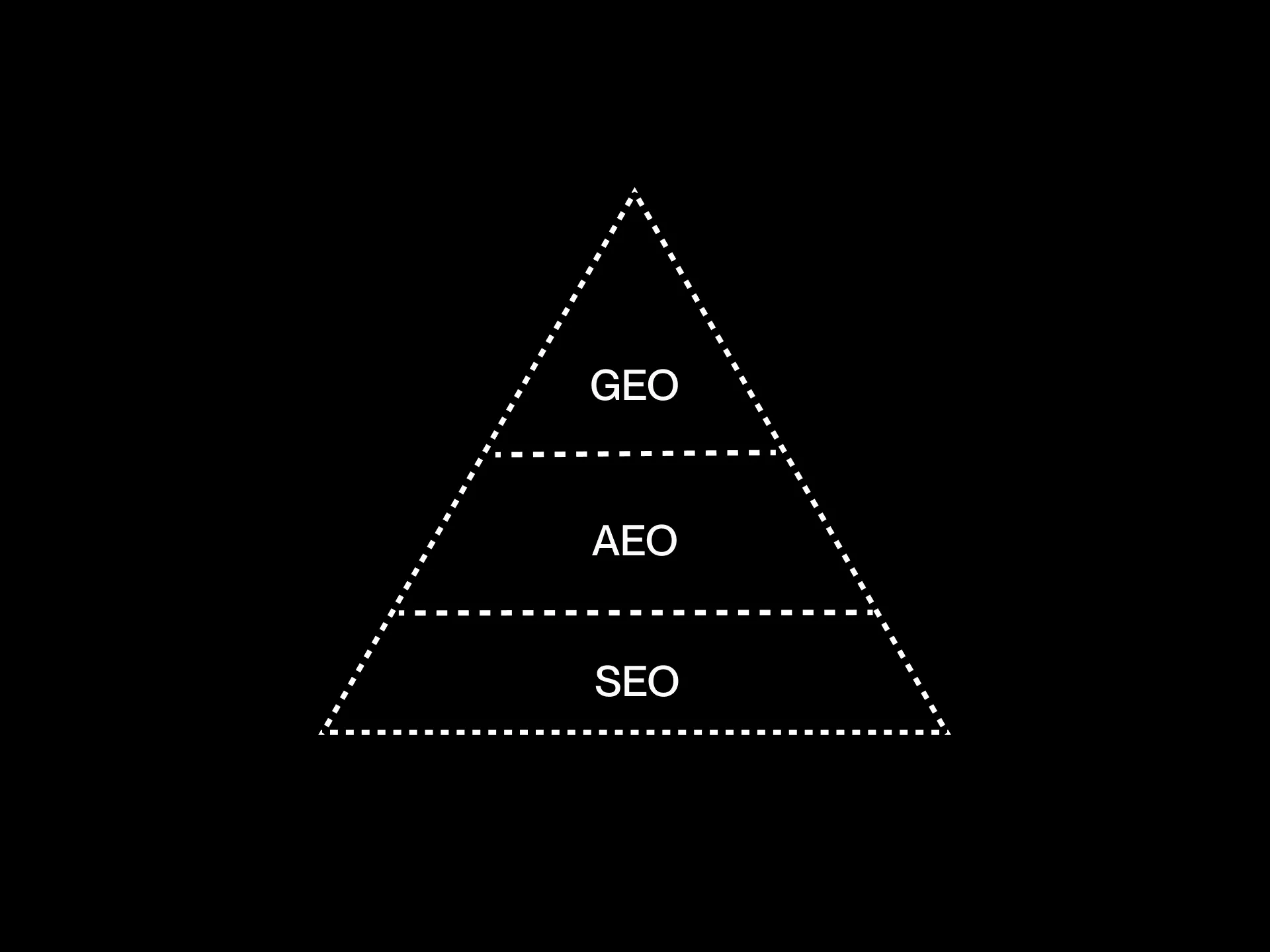
Record the prompt, language, platform and time for each measurement. Treat the responses you collect as a sample. Check which sources are cited and whether the answer describes your business accurately. Decide what you would change based on the results. GEO, AEO and SEO: visibility in Google and AI answers.
Frequently asked questions about SEO tools
What is the best SEO tool?
For your own Google Search data, start with Search Console. Use Screaming Frog and PageSpeed Insights for technical checks. Ahrefs, SISTRIX and Semrush are options for keyword and competitor research. Try the tool on a recurring task before committing to it.
Are free SEO tools enough?
Yes, for getting started and improving many small sites. A paid tool may be worth it when you need larger crawls, wider competitor research, more historical data or regular monitoring.
Do we need Ahrefs, SISTRIX and Semrush at the same time?
For many teams, one suite plus data from their own site is a sound starting point. Multiple subscriptions make sense when you regularly need distinct features or datasets and have time to use them. Evaluate your shortlist by running the same tasks against the same website.
How much do SEO tools cost?
The total depends on projects, team size, data limits and add-ons. Combine free basics with a paid suite if you need one. Include setup, analysis and implementation in the budget, and check current prices and limits with the providers.
Can Yoast SEO replace these tools?
Yoast SEO helps manage WordPress settings and page outputs such as metadata. Use a crawler to check what the site actually serves and a research platform to find out how competitors are performing. WordPress SEO basics.
Do more keywords or a higher content score improve rankings?
Focus on answering the search clearly and backing up your claims. Keyword and content suggestions can point out a missing topic. Add it if it helps the reader understand the answer or decide what to do next.
Which SEO data would help you decide what to do next?
We can help you identify the searches that matter to your business, find where your site is losing opportunities and prioritise changes across content, technology and measurement.